Building tools for a 2D educational game
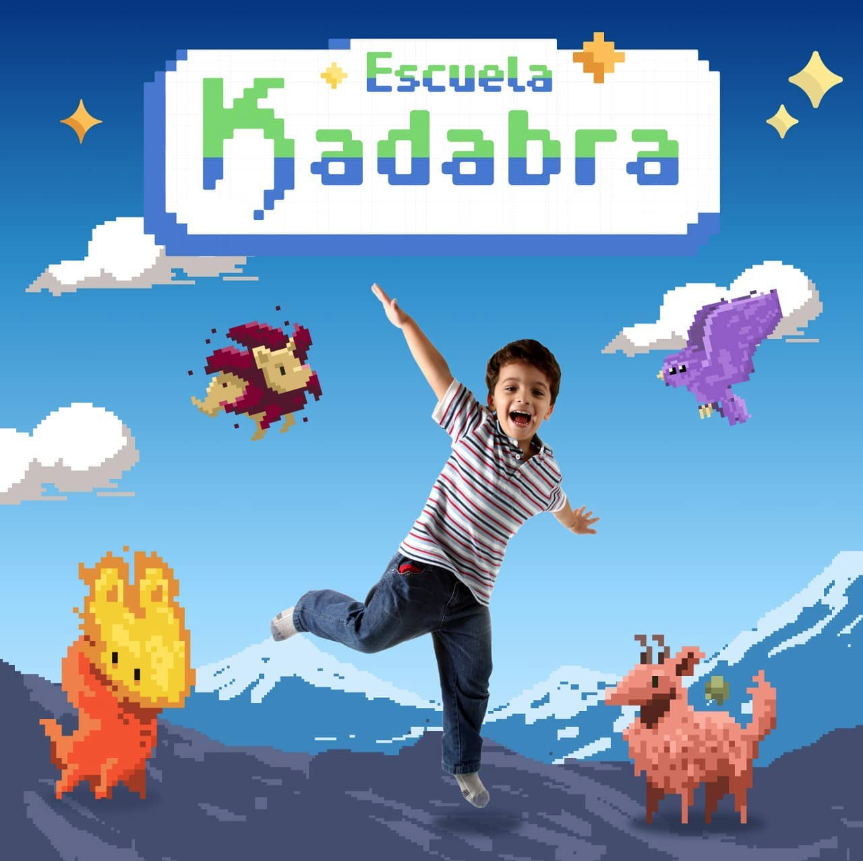
Escuela Kadabra was an educational videogame designed around reading comprehension. I joined the project in 2021 as a Technical Artist, working between the art and development sides of production.
This project was an important step in my move toward technical art. Instead of focusing primarily on creating visual assets, my work centered on improving how those assets were created, configured, assembled, and used inside Unity.
My role: Technical Artist
I worked on tools and workflows for the art team, with the goal of reducing repetitive production tasks and making the creation of game content more efficient.
My main contributions included developing custom Unity tools, improving the 2D environment pipeline, creating a Tilemap-based workflow, and optimizing scenes used in the game.
What Escuela Kadabra was building
Escuela Kadabra combined an educational objective with a fantasy videogame world. The experience was designed to help children practice reading comprehension through gameplay, challenges, characters, and a story built around a magical school.
The game worked with reading skills such as vocabulary, decoding, and inference, turning exercises that would normally be presented as learning activities into part of an interactive game experience.
Improving the art pipeline
My work focused on the production side behind that experience. As the amount of characters, sprites, animations, and environments increased, artists needed ways to create and configure content without repeating the same technical steps manually.
I developed tools and workflows inside Unity to make those processes faster and more consistent, allowing the art team to spend more time creating content and less time performing repetitive setup tasks.
Ekai Manager
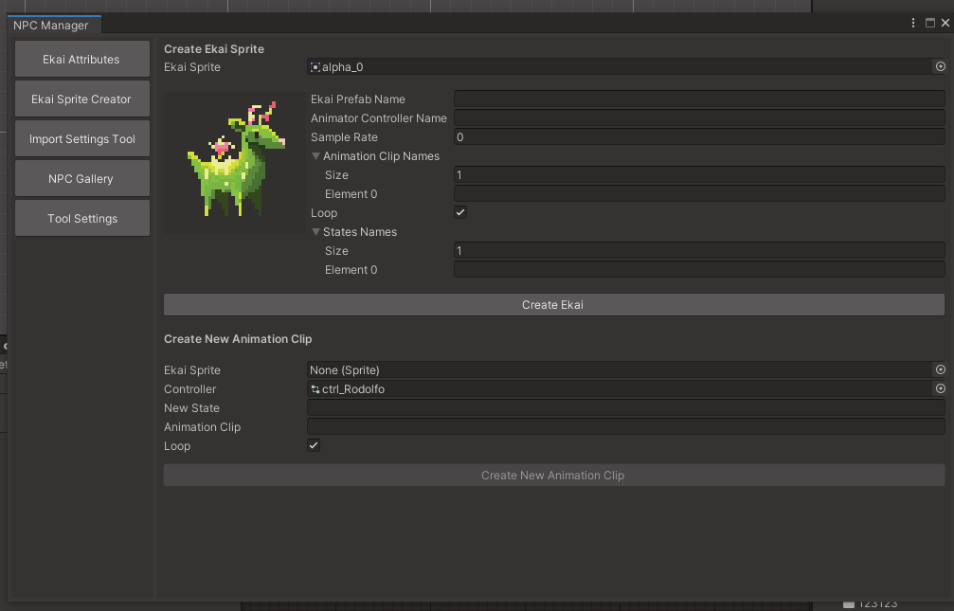
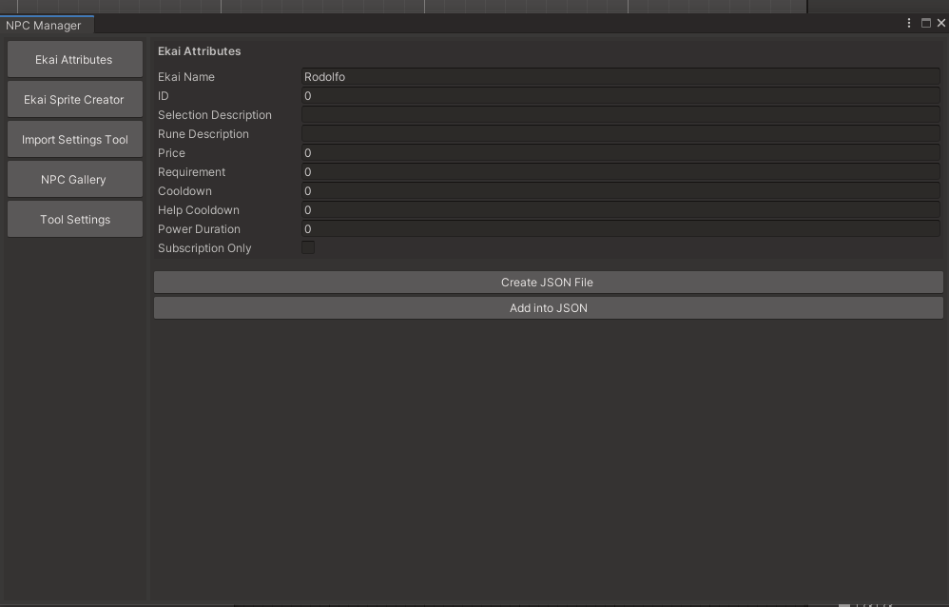
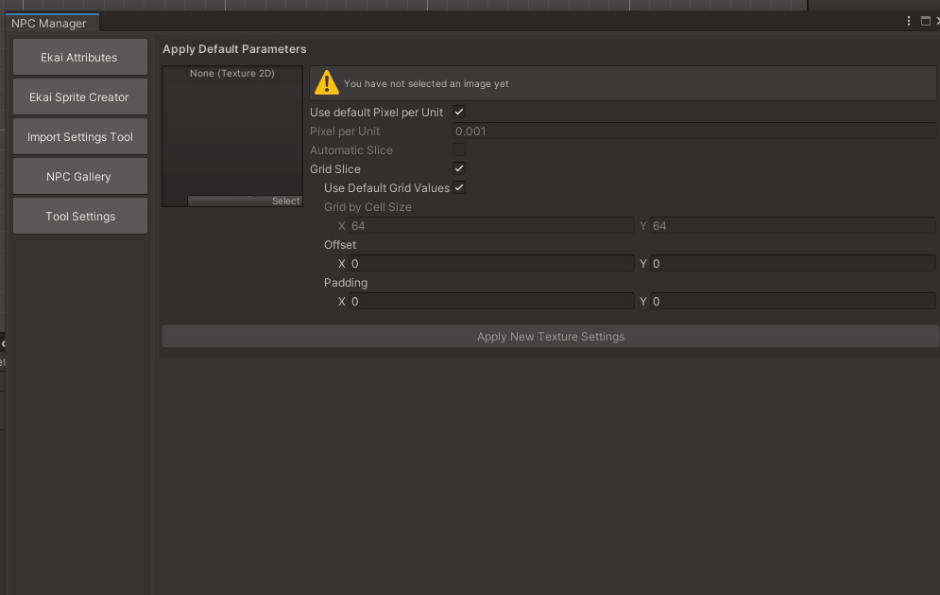
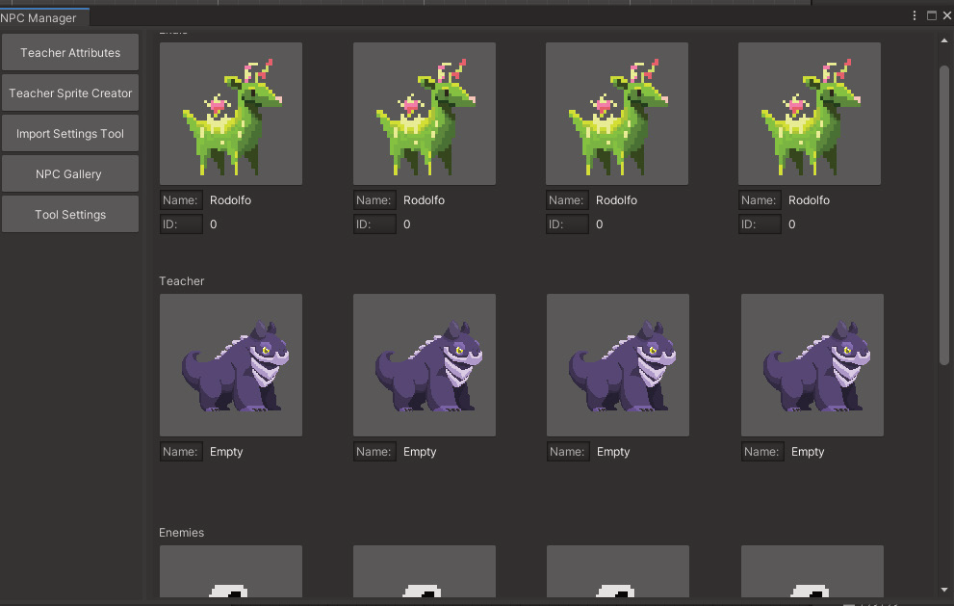
One of the tools I developed was Ekai Manager, an editor tool created to simplify several recurring tasks in the character and sprite pipeline.
The tool helped with attribute assignment, accelerated the setup of sprites and their corresponding animations, and included an NPC gallery that made it easier to browse and manage character content from one place.
The goal was not simply to automate individual clicks, but to bring related production steps together into a workflow that was easier for artists to use and less prone to repetitive manual setup.
Creating a 2D environment workflow
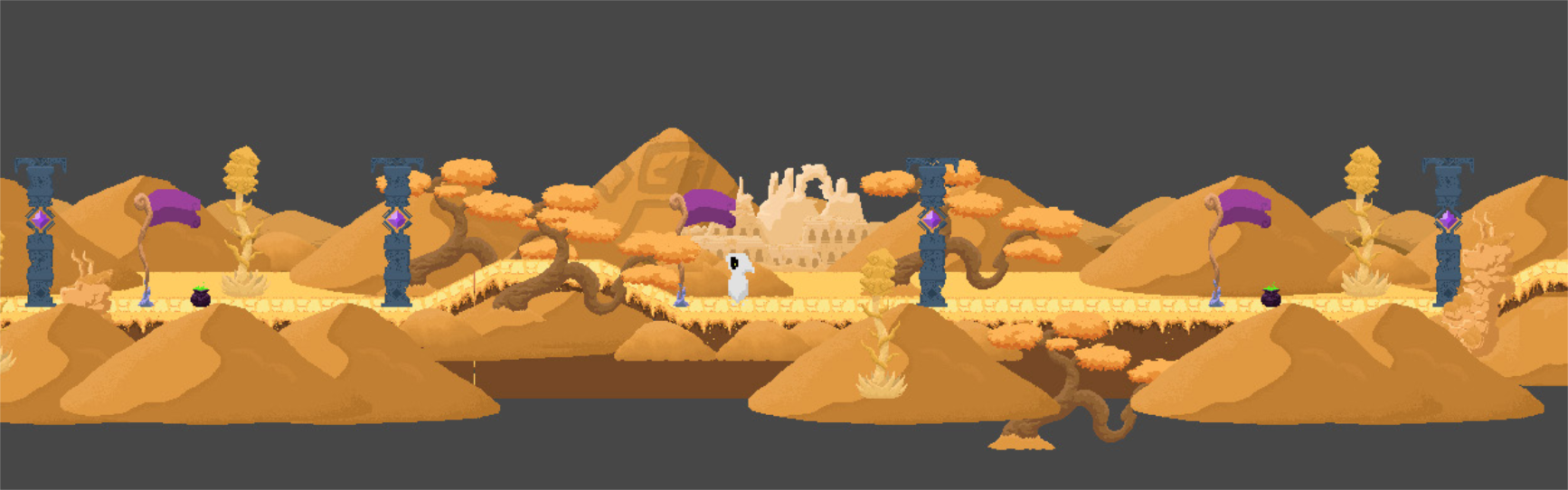
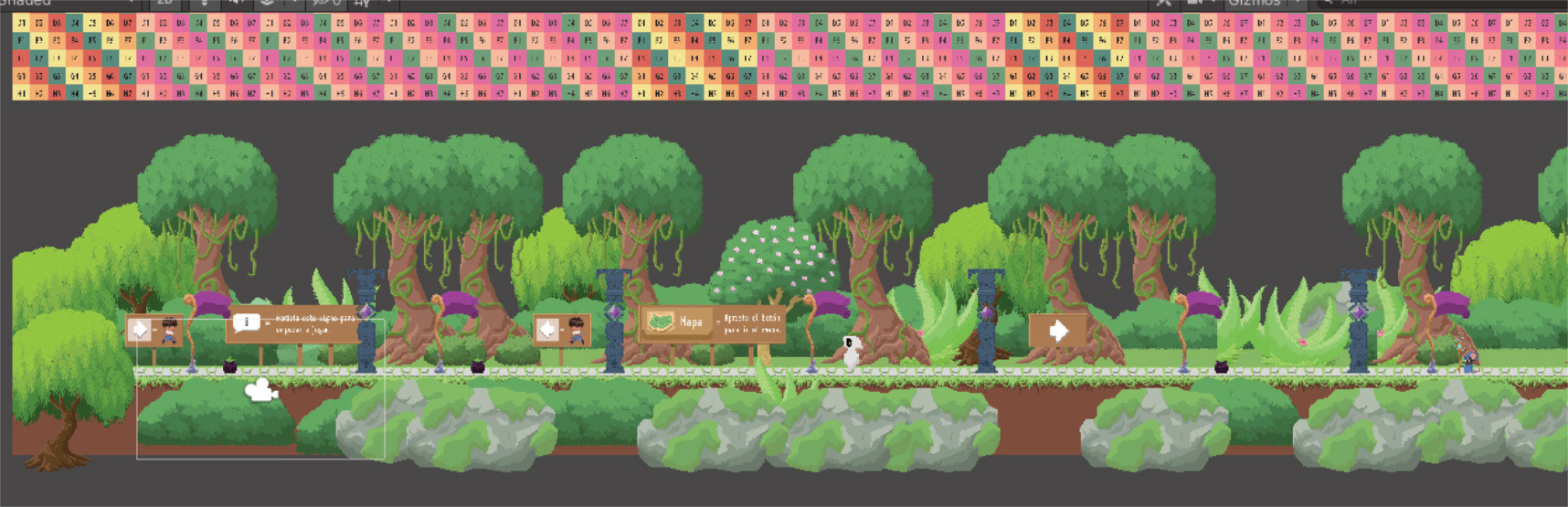
I also worked on the pipeline used to build the game's environments. I created a workflow around Unity's 2D Tilemap tools so that scenes could be assembled more efficiently from reusable assets while keeping the process practical for the art team.
The workflow helped structure how environment artwork moved from asset creation into Unity, how scenes were assembled, and how reusable elements could be organized consistently across the project.
Scene optimization
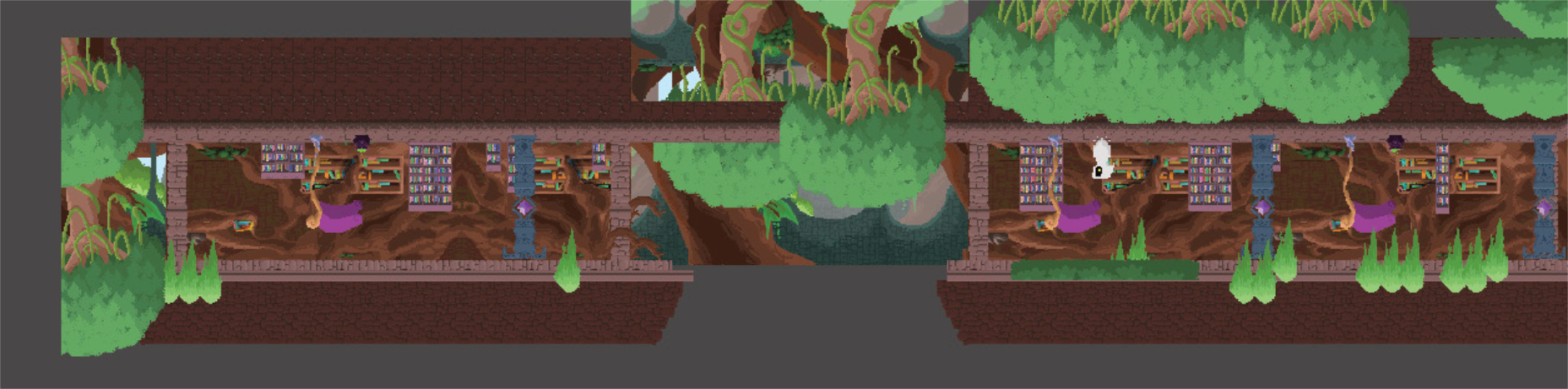
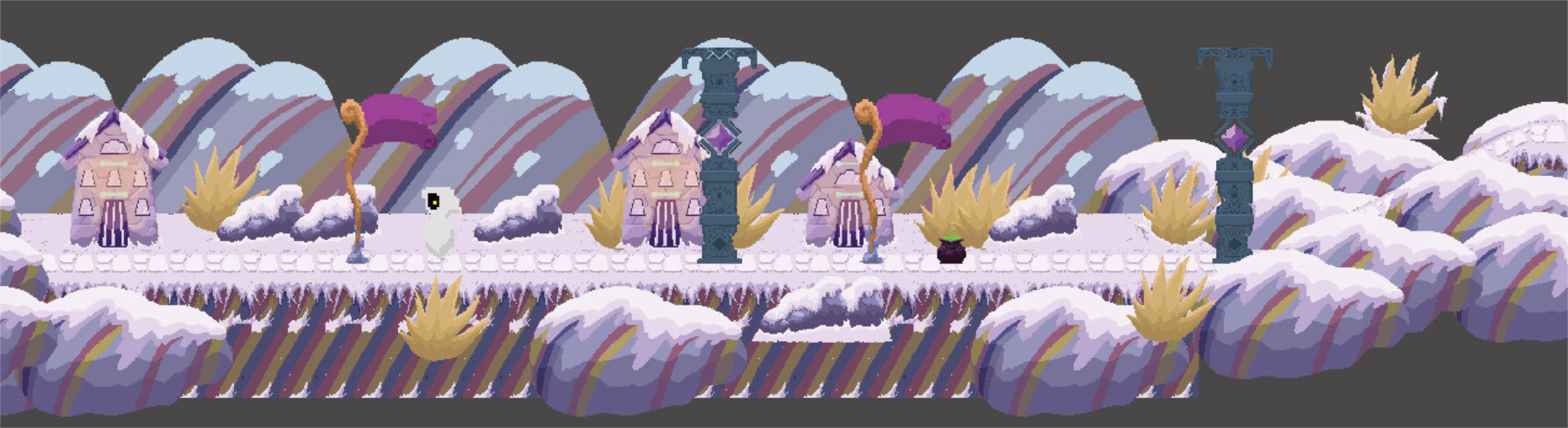
Alongside the tooling work, I worked on optimizing scenes and improving how environment assets were organized and used inside Unity.
This combination of tooling, workflow design, and optimization meant looking at the project from both sides: understanding what the artists needed to create and understanding how that content ultimately behaved inside the game.
Working between art and development
Escuela Kadabra gave me the opportunity to work directly in the space between art and engineering. Instead of solving only visual problems, I was building systems that helped other artists work more effectively.
That experience reinforced my interest in Technical Art: identifying production bottlenecks, understanding how artists work, and building tools and pipelines that make the creative process faster and more reliable.
More about Escuela Kadabra
You can find more information about the project here: